
The installation of Subscribe2 plugin is similar to installing any other WordPress plugin.
Navigate to WP Admin-> Plugins, click on Add new plugin. Now, type Subscribe2 on the text box located on the top right-hand side of your screen.

Click on install now to start installing.
After that, you will see the Subscribe2 menu on your dashboard.
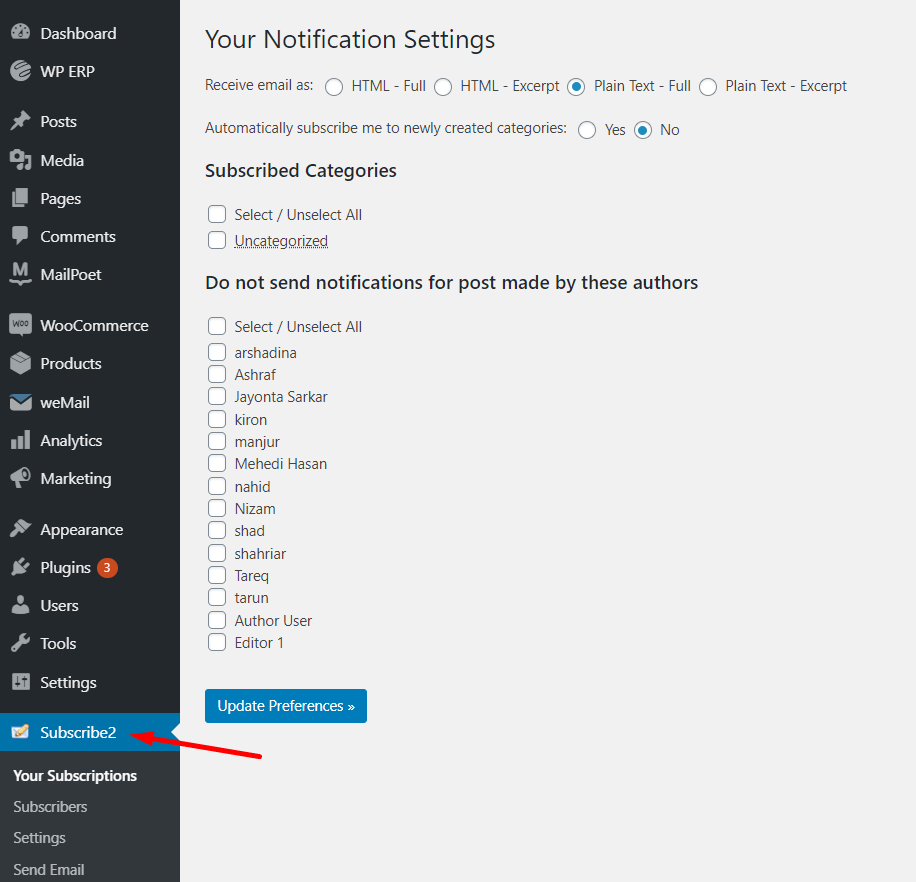
That’s it for installation of the Subscribe2 plugin.