
Skip to content

How to Send Email to Subscribers

Send email to subscribers using the Subscribe2 plugin. Learn the steps from this documentation.

  • Subscribe2
  • Updated Nov 23, 2023
  • 1 min read

To send email to subscribers, navigate to Subscribe2->Send Email.
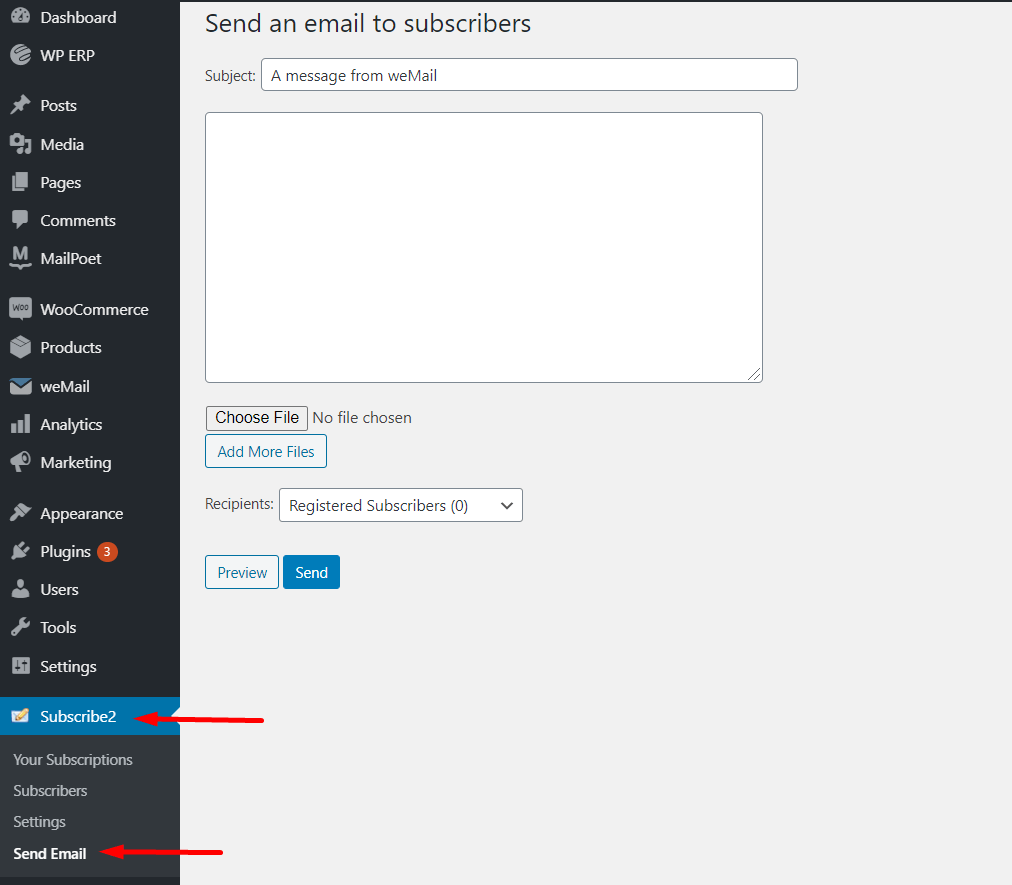
send email

You can even add multiple files with your email.
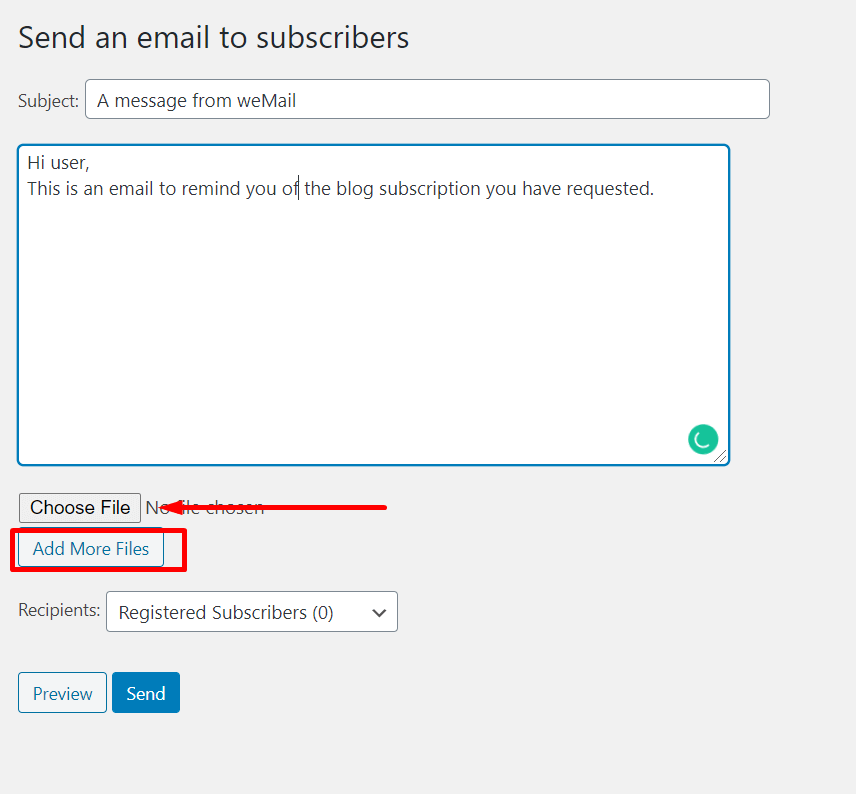
add files

Also, you can choose your audience you want to send your emails to.
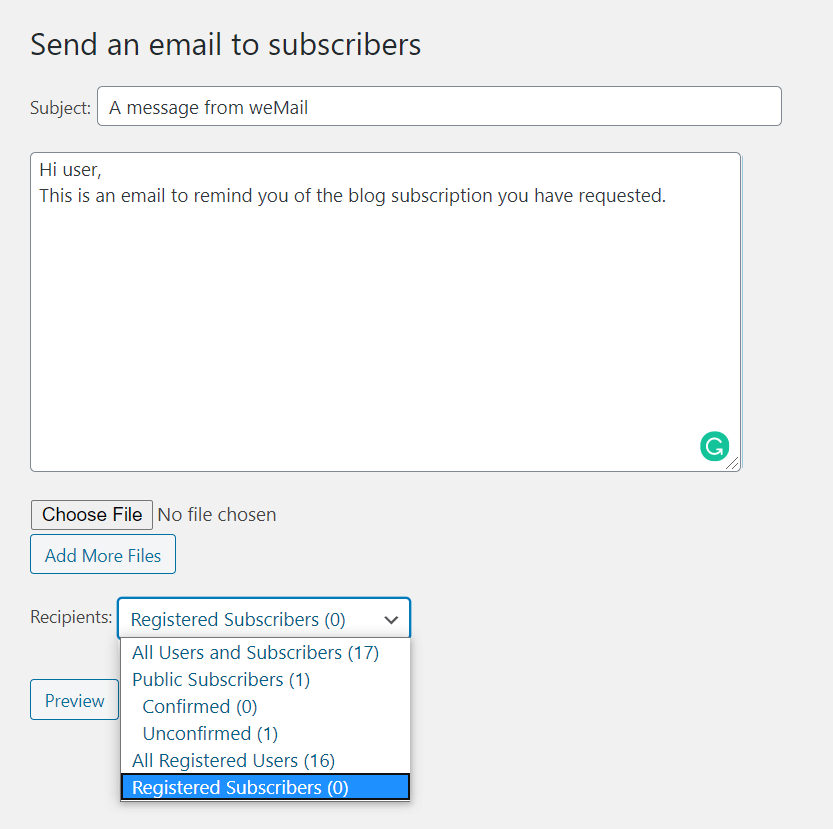
audience

Lastly, hit the Send button to send immediately or you can view the Preview.
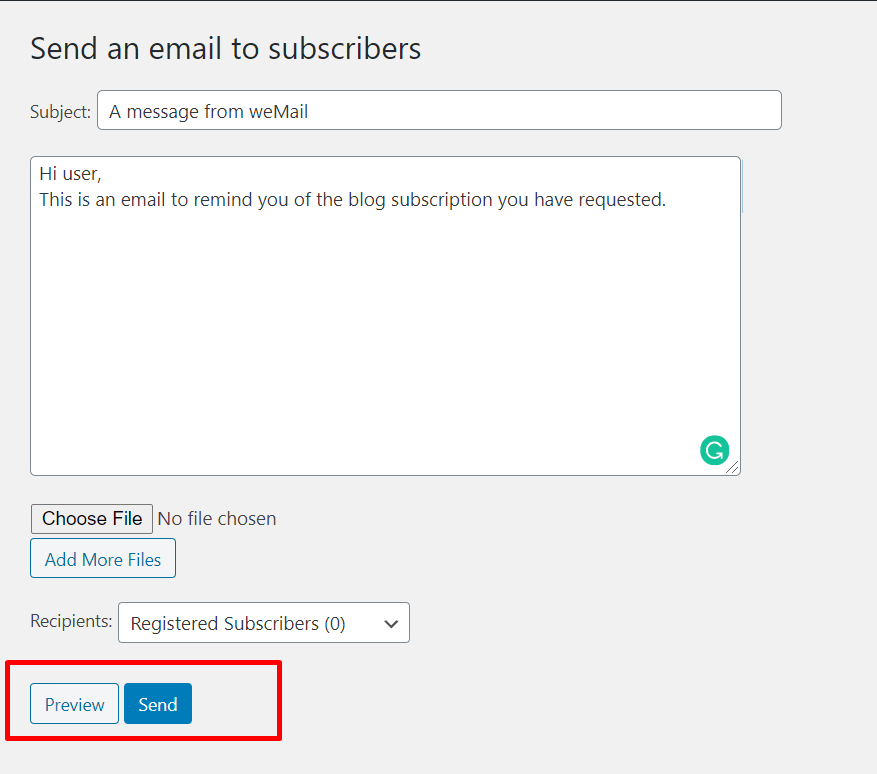
preview

Thus that’s how you can send email to subscribers.
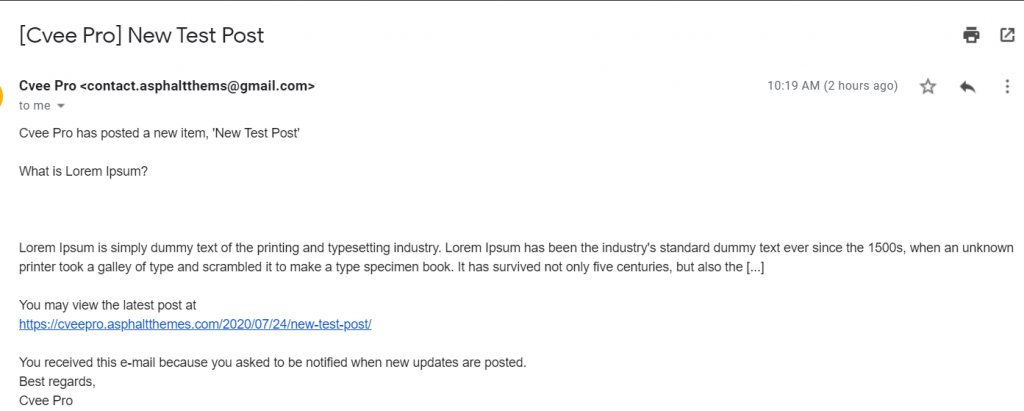
mail

Last updated on

Filed under Subscribe2

Still stuck?

Our support team can walk you through it.