
To customize the registered users, navigate to Subscribe2-> Settings-> Registered Users.
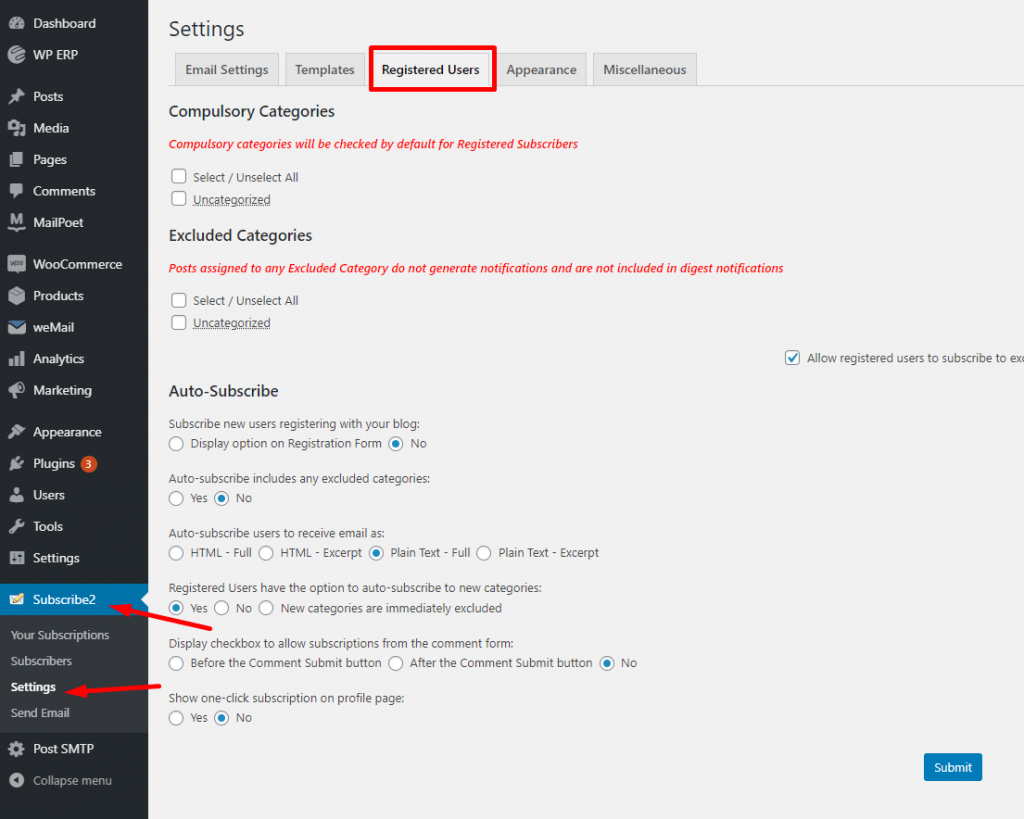
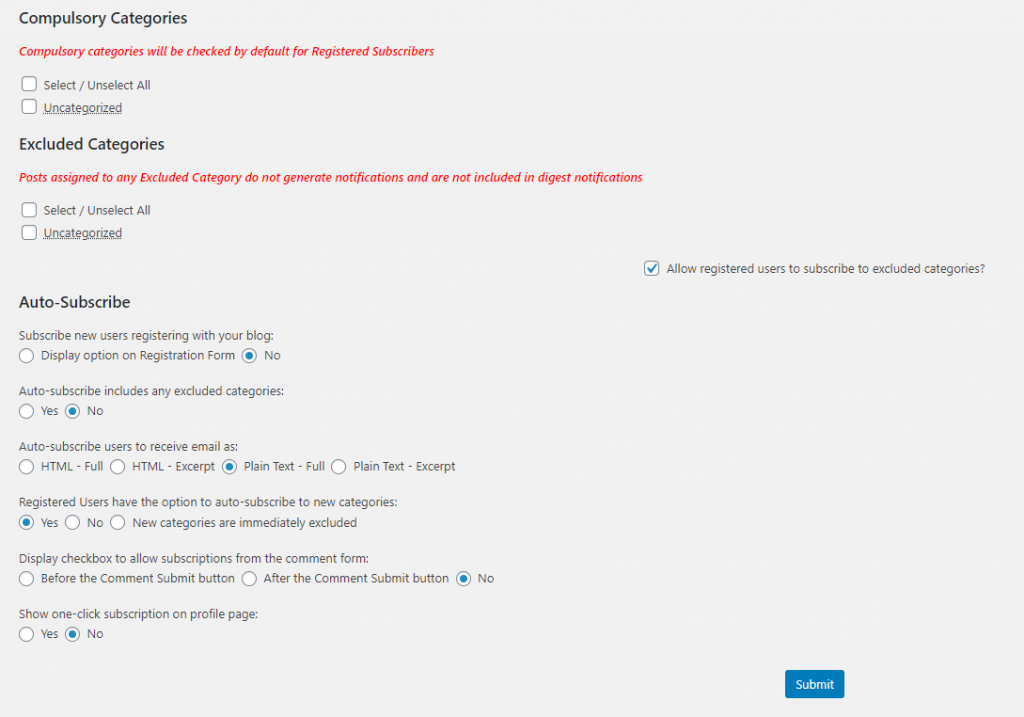
Now, you can select the Compulsory categories, that means posts from these categories will sent to all of your registered users.
There is also an Excluded category, posts from these categories will not generate any notifications via emails. However, you can allow registered users to subscribe to excluded categories.
In the Auto Subscribers section you have options like,
- Subscribe new users registering with your blog
- Auto-subscribe includes any excluded categories
- Registered Users have the option to auto-subscribe to new categories
- Display checkbox to allow subscriptions from the comment form
- Show one-click subscription on the profile page.
That’s it for customizing registered users.