
Now, weMail has an integration with Active Campaign. Therefore, you can easily import your subscriber list into any of your weMail list.
If you follow some simple steps, you can easily complete the task. So let’s see how you can do that by the following steps.
Creating an Account in Active Campaign
To integrate Active Campaign with weMail, you need to first create an account for the Active Campaign. Or you have already an account, then just navigate to Active Campaign>Your Profile>Settings>Developer.
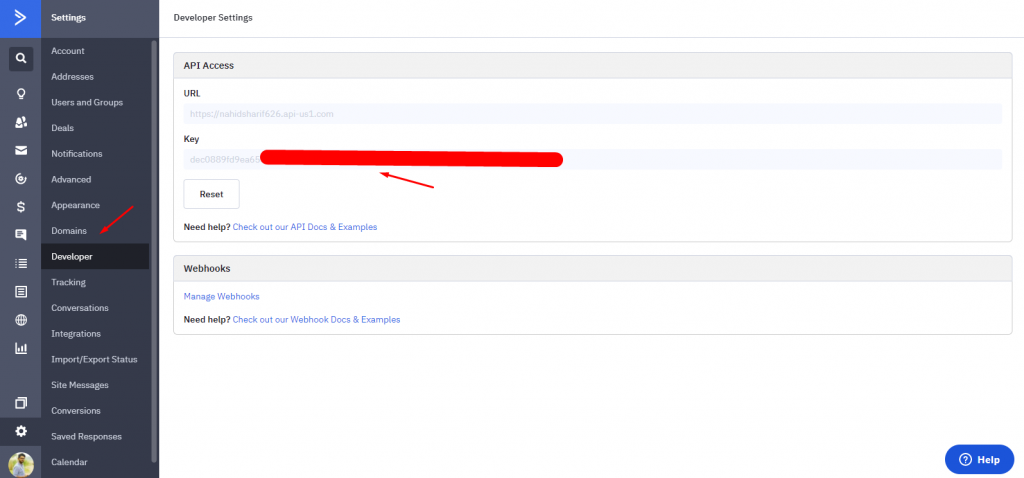
Next, click on the User URL and API keys, and copy them.
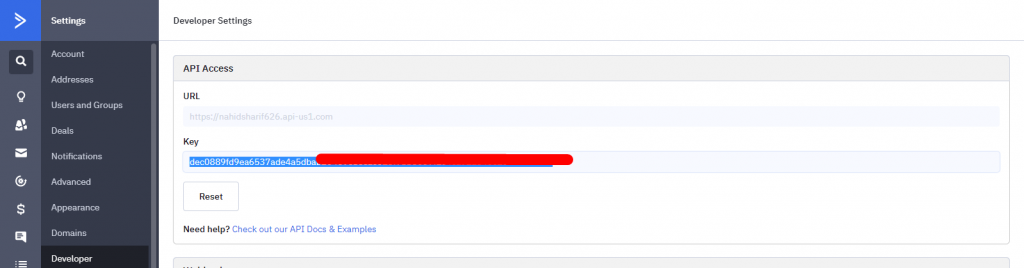
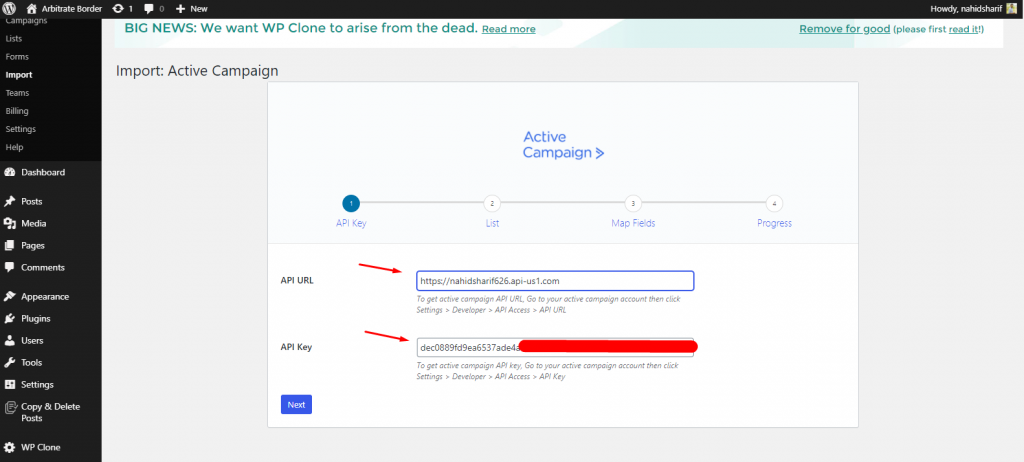
Paste API Key & Client ID into weMail
Now go to your WordPress Site and navigate Dashboard>weMail>Import>Active Campaign. And paste the User ID and API keys here.
After that, you’ll see that all the lists are appearing here in the weMail-Active Campaign integration setup wizard.
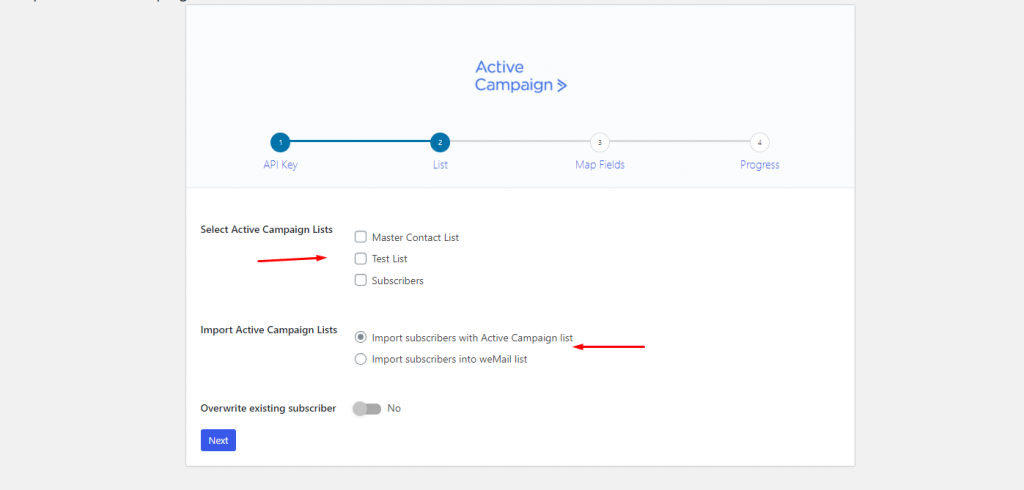
So choose the preferable list from here and hit on the Next button. In this section, you’ll be asked which type of data you want to import. After choosing them, click on the Start Importing button.
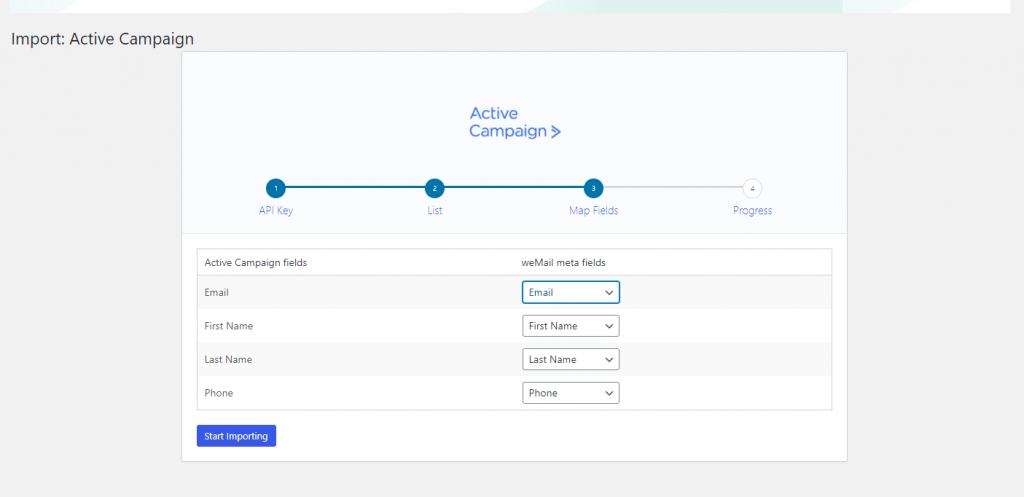
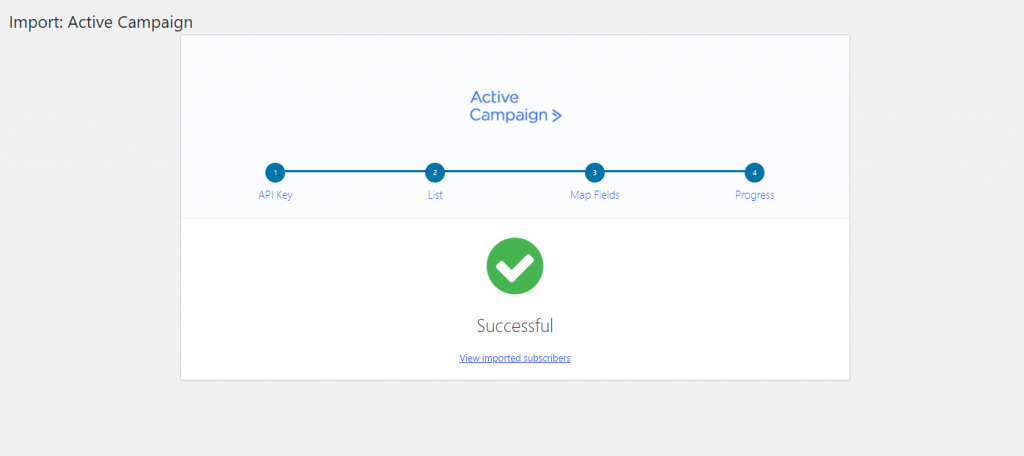
Finally, you’re done with the process. After that, you’ll get a notification. And if you want to see the subscriber list that you imported earlier, click on the View Imported Subscribers button.
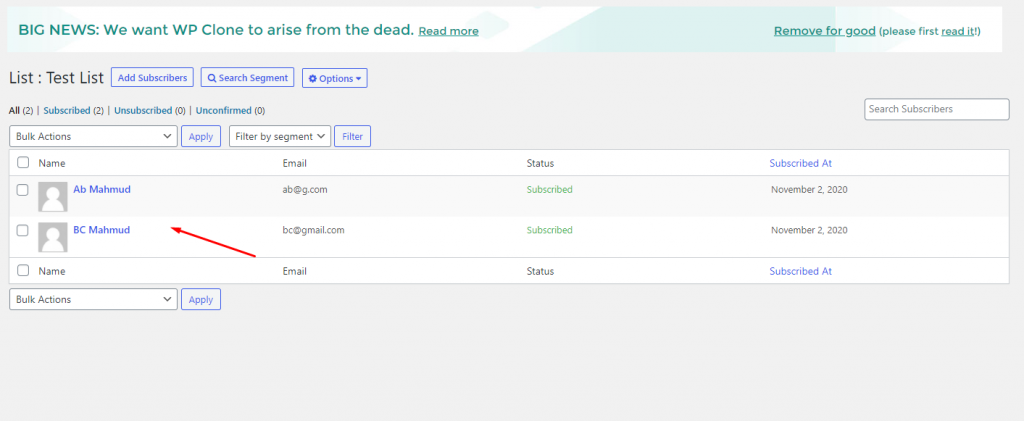
So here are the imported contact from Active Campaign.
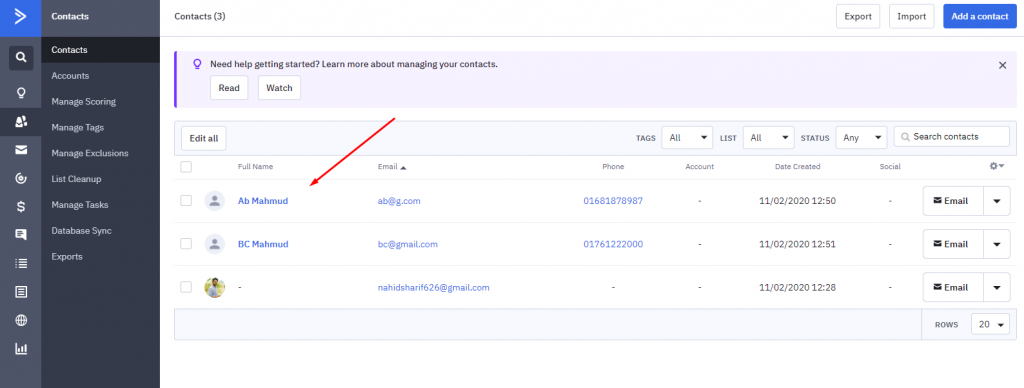
Let’s match the contact that we imported from active campaign.
So that’s the process!