
You can configure the double opt-in setting inside the lists. To avail this feature
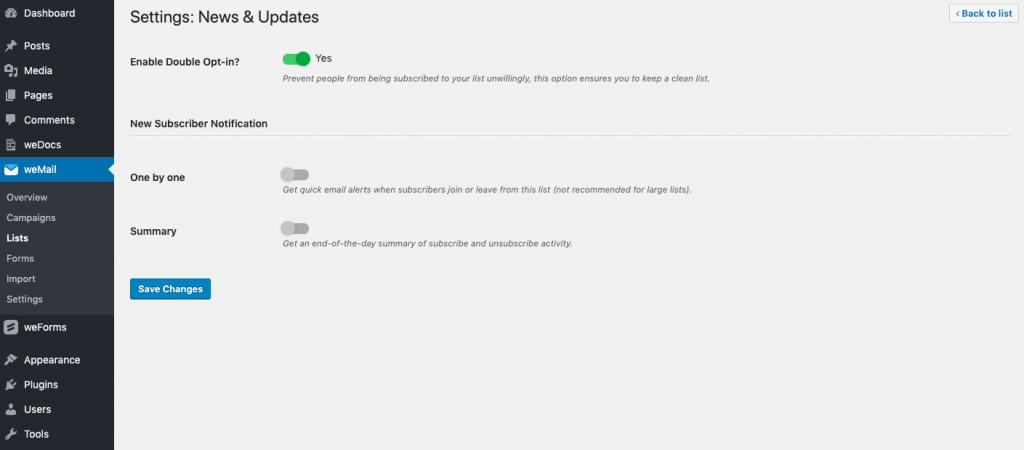
Go to Lists->Click View Subscribers->Options->Settings
Double opt-in message can be configured here – Double Opt-in Message
Double opt-in offers two ways to get notifications.
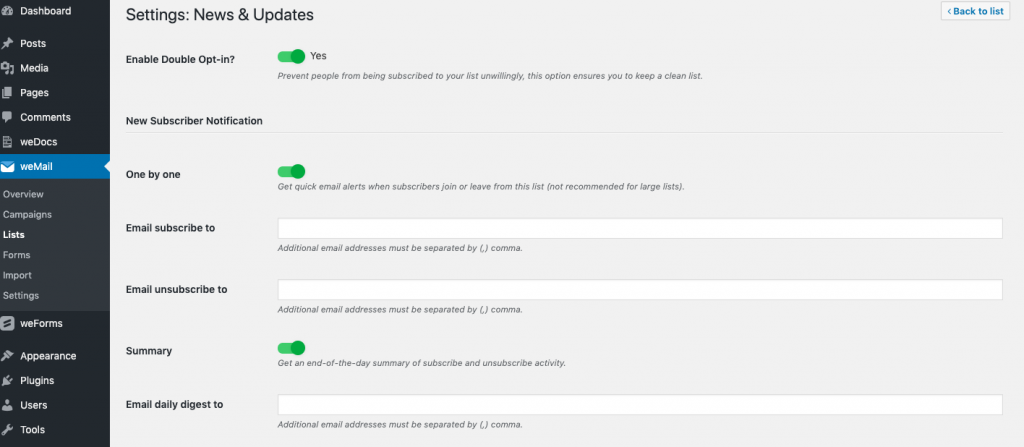
- One by One: Quick email alerts when subscribers join or leave from this list, this list not recommended for large lists. You can put separate and multiple email addresses for subscription and unsubscription.
- Summary: It’s an end-of-the-day summary of the subscribe and unsubscribe activity. you put multiple email addresses to get the updates.