You can add new users, assign roles, and control their access in weMail. To do this, go to weMail > Team and click the +Add Member button.
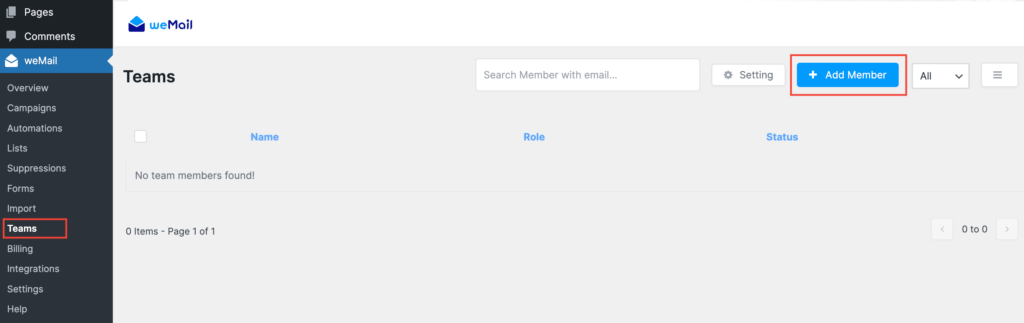
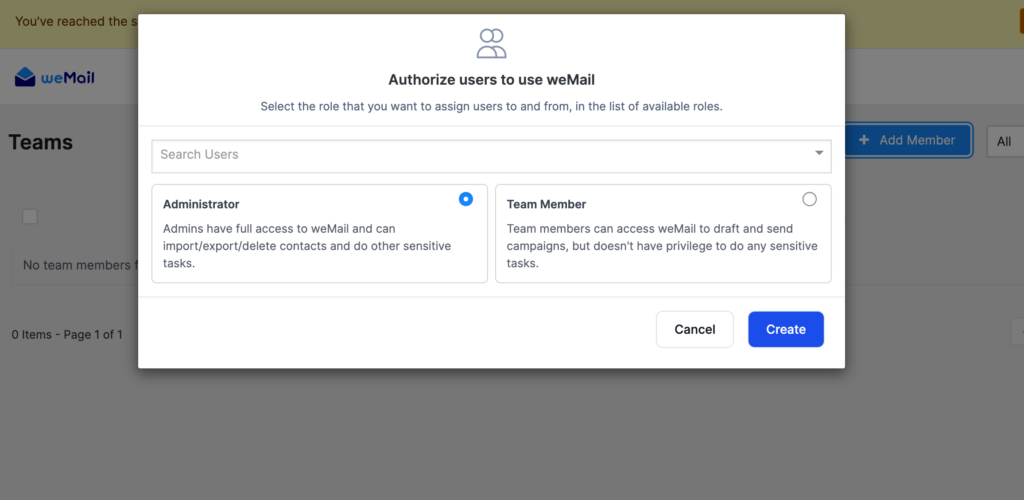

You can add new users, assign roles, and control their access in weMail. To do this, go to weMail > Team and click the +Add Member button.
Last updated on
Filed under Teams
Our support team can walk you through it.