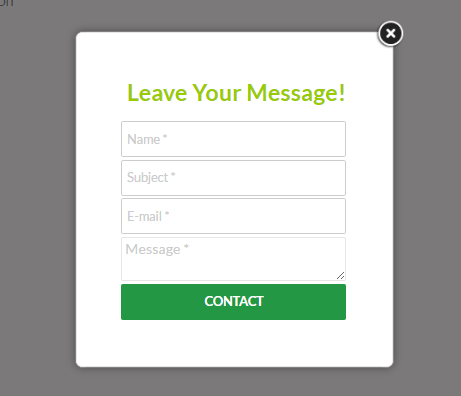
Popup Builder is one of the powerful pop-up form makers in WordPress right now. You can easily create a pop-up form and use it anywhere on your website. And weMail has integration with this amazing plugin as well.
Let’s see the steps on how you can integrate Pop-up Builder using weMail.
Prerequisite
- weMail
- Popup Builder.
Note: In case if you have not installed Popup Builder yet, click here it install it on your WordPress site.
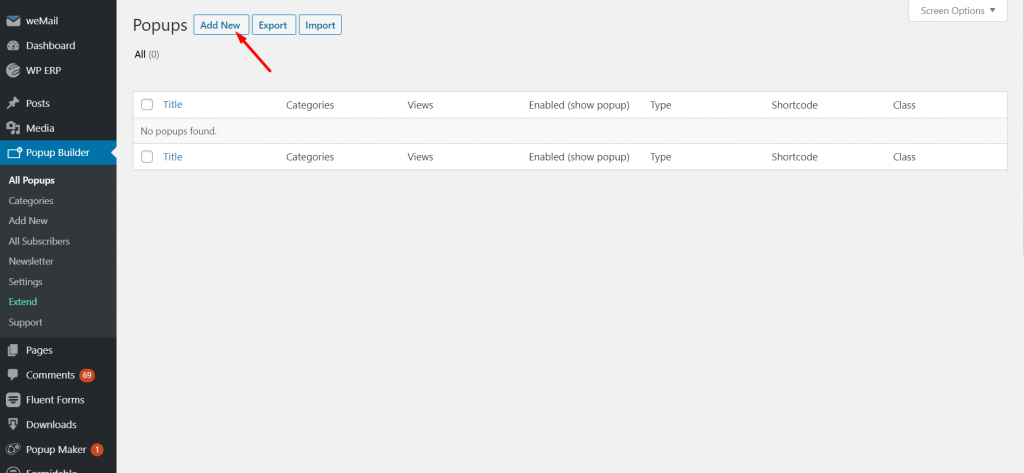
Now, Create a new form using Popup Builder.
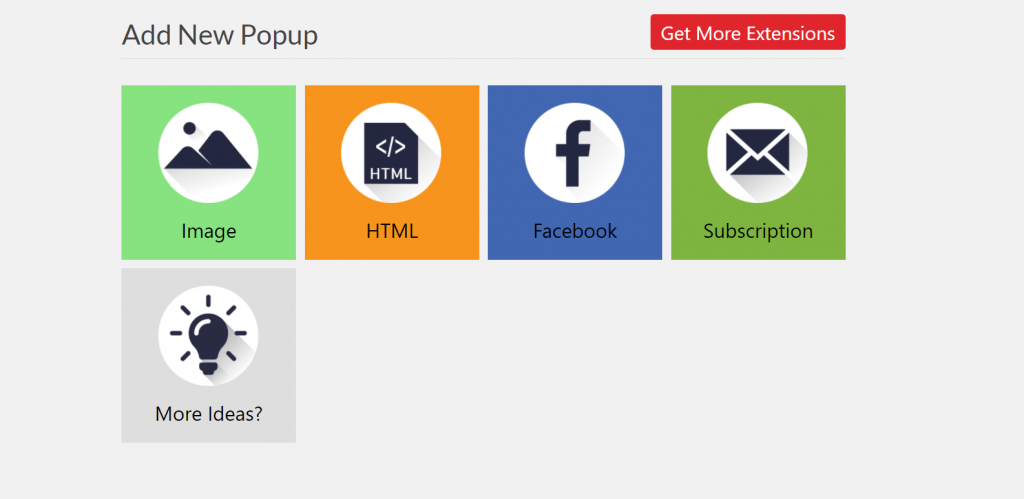
Choose popup you want to use. Like image, HTML, Facebook, Subscription form.
Now, navigate to weMail>Forms>Integrations. Choose Popup Builder.
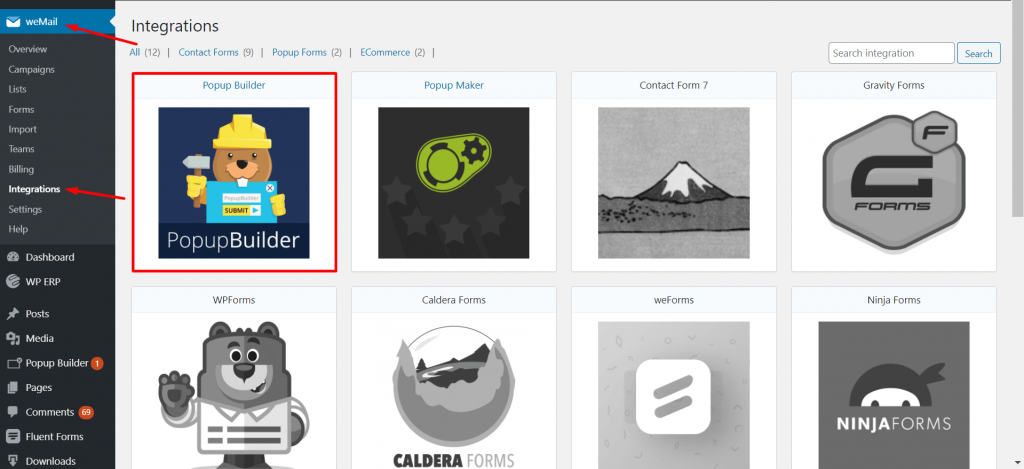
There, you will find the form that you created using Popup Builder.
Just toggle on or off if you want to use it. And also select the list.
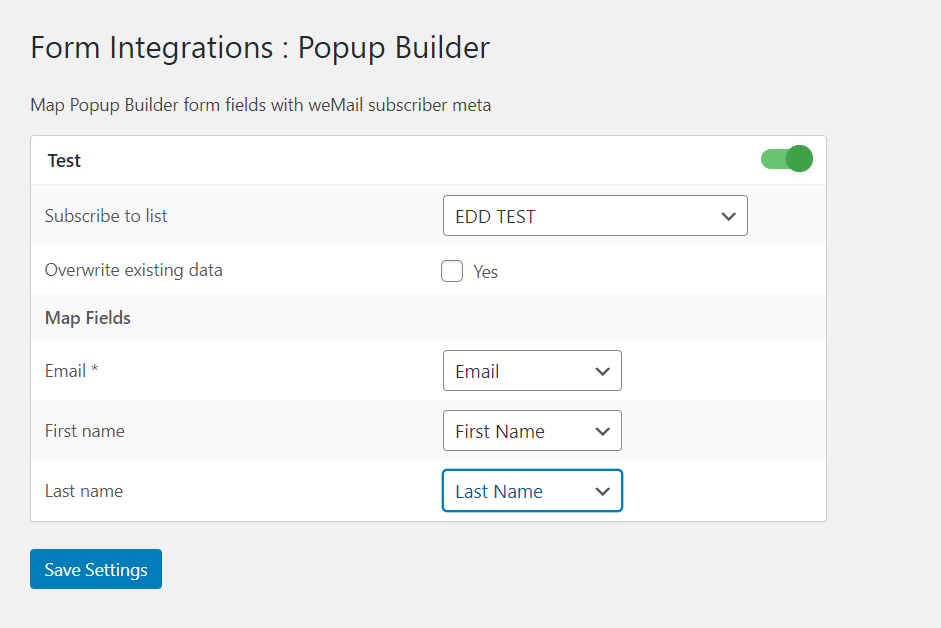
That’s how you can use the Popup Builder form with weMail and manage your subscriptions more easily.