
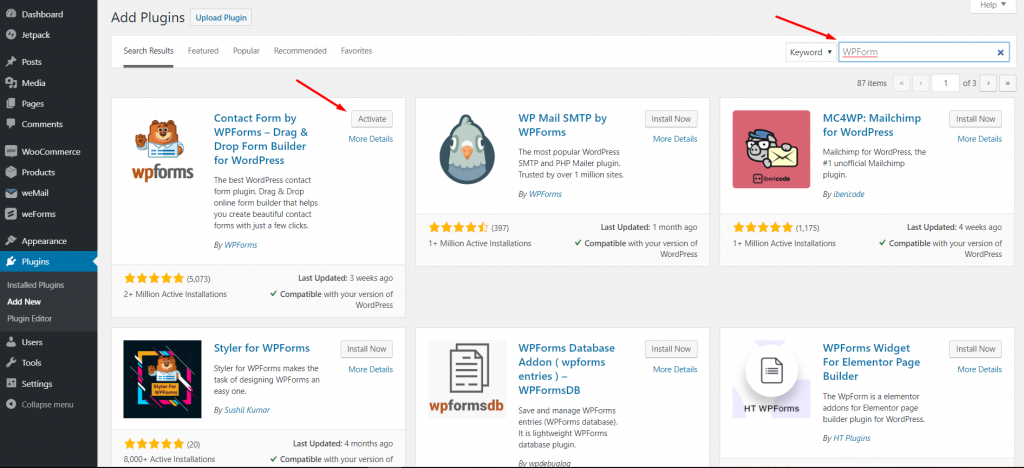
WPForms is one of the most beginner-friendly WordPress contact form plugins. The drag & drop online form builder makes it easy for you to create a beautiful contact form, email subscription form, payment form, and other types of online forms with just a few clicks.
weMail has integration with WP Forms.
Just download and activate the plugin, and you will be able to use forms built with WPForms.
Next, to create a new form, click on the Add New button, and this will launch the WPForms Form Builder.
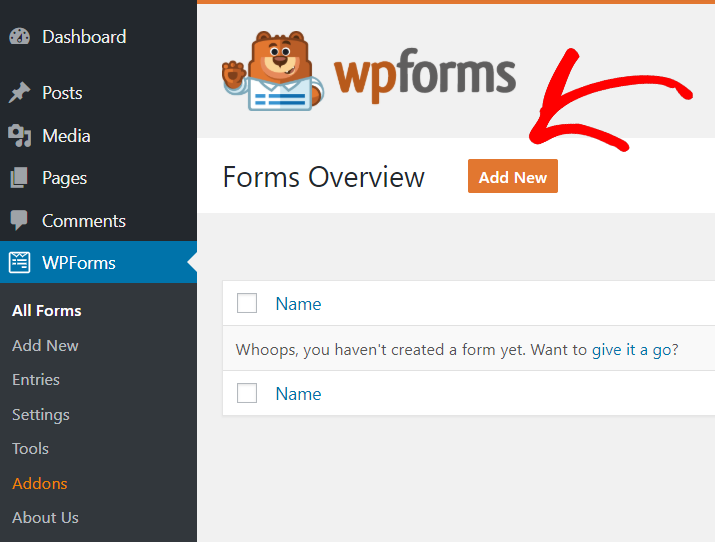
Check out this Documentation to get more details on how to create a form using WPForms.
Next, navigate to weMail>Forms>And then click on Integrations.
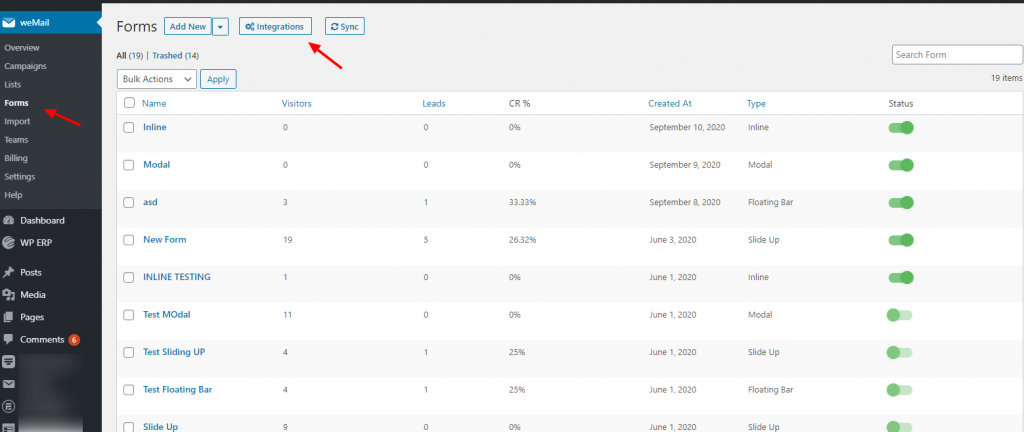
After clicking on the Integrations you’ll see all the integrated forms with weMail. So select the WP Forms and finish the initial installation process.

You will find that the form you have created is already there. Just toggle on or off if you want to use it.
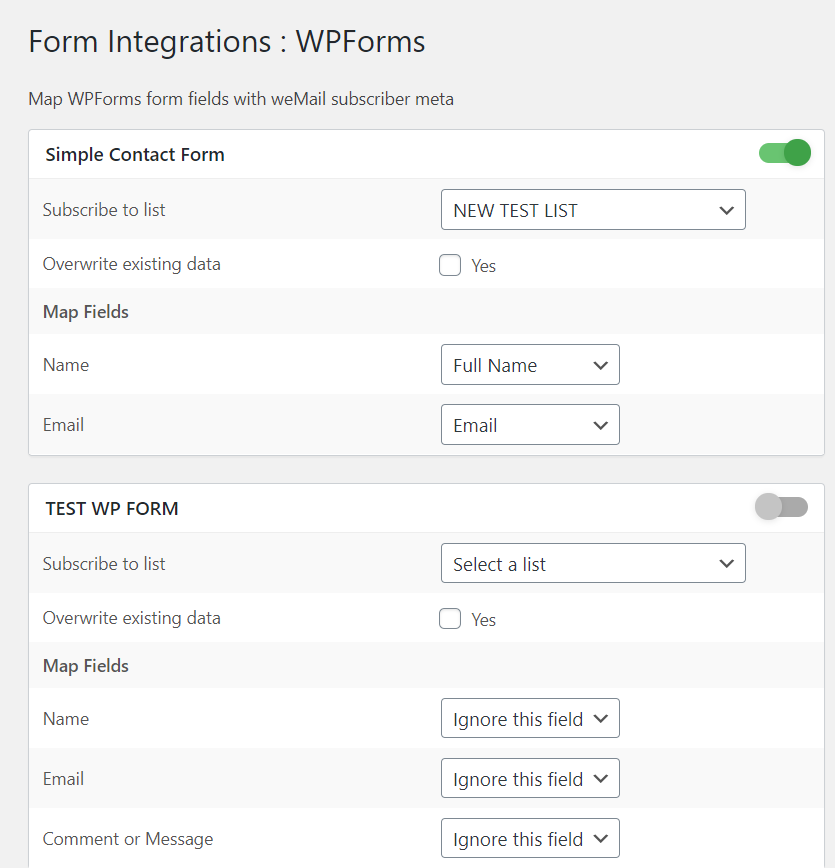
That’s it. If you go to weMail>Forms, you will find this form to use.