
Contact Form 7 can manage multiple contact forms, plus you can customize the form and the mail contents flexibly with simple markup. You can integrate weMail with Contact Form 7.
Download and activate Contact Form 7.
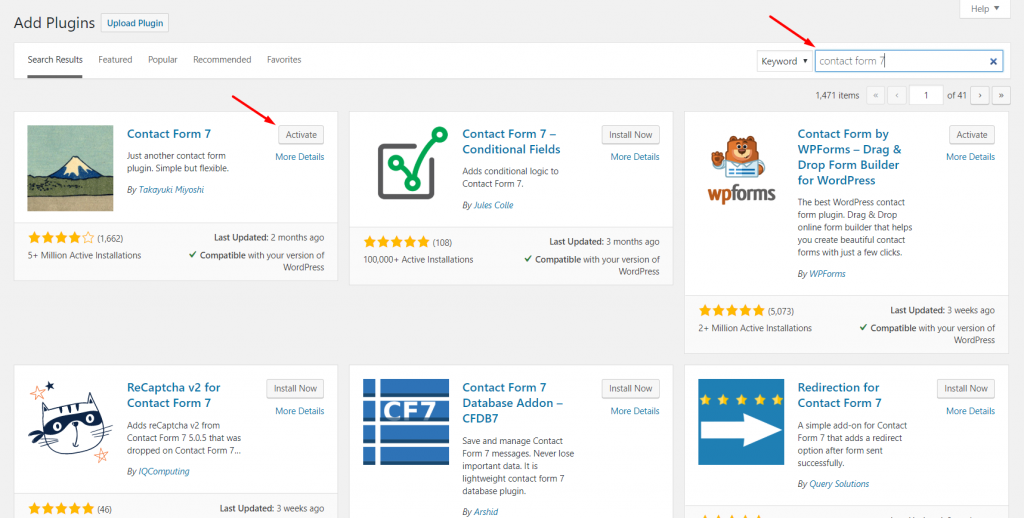
Click on Contact > Contact Forms. Here you will see the central administration panel where you can manage multiple contact forms.
You will also find the Contact Form 7’s default contact form, labeled Contact Form 1.
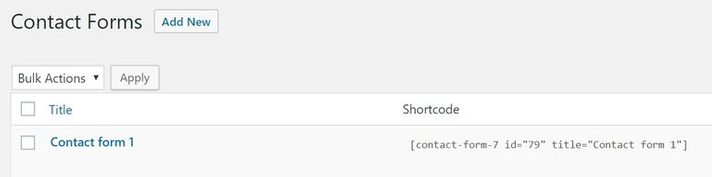
Check out this document to know more about how to create a form with contact form 7.
Next, navigate to weMail>Forms>And then click on Integrations.
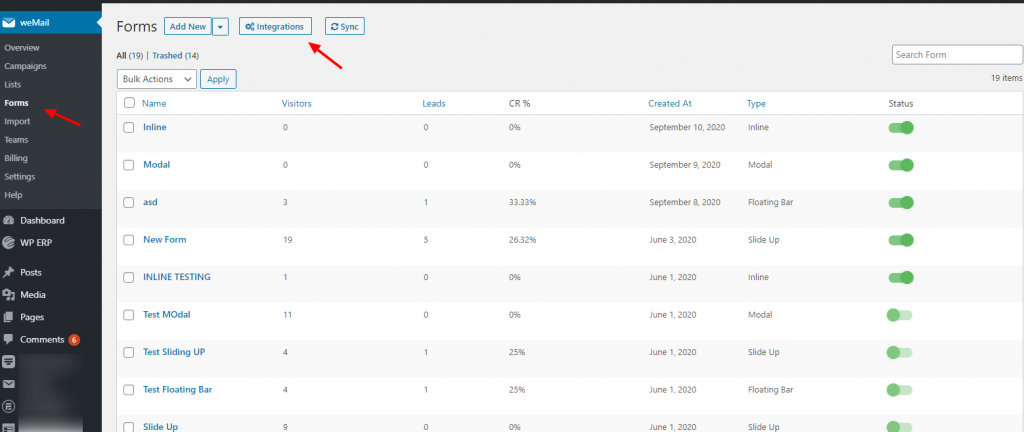
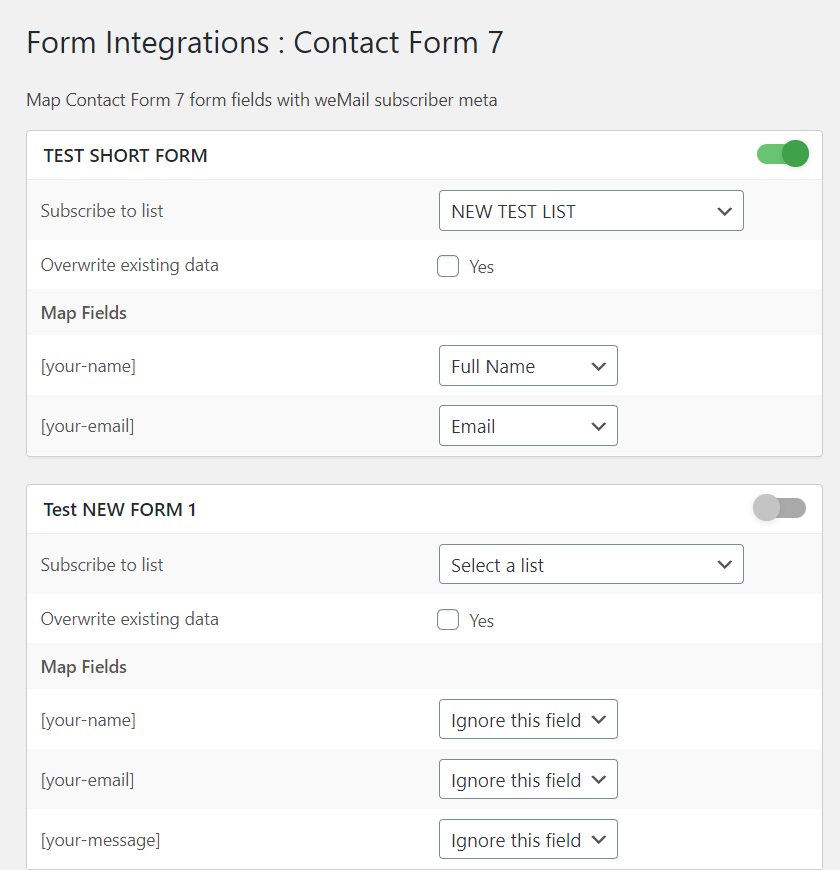
After clicking on the Integrations you’ll see all the integrated forms with weMail. So select the Contact form 7 and finish the initial installation process.
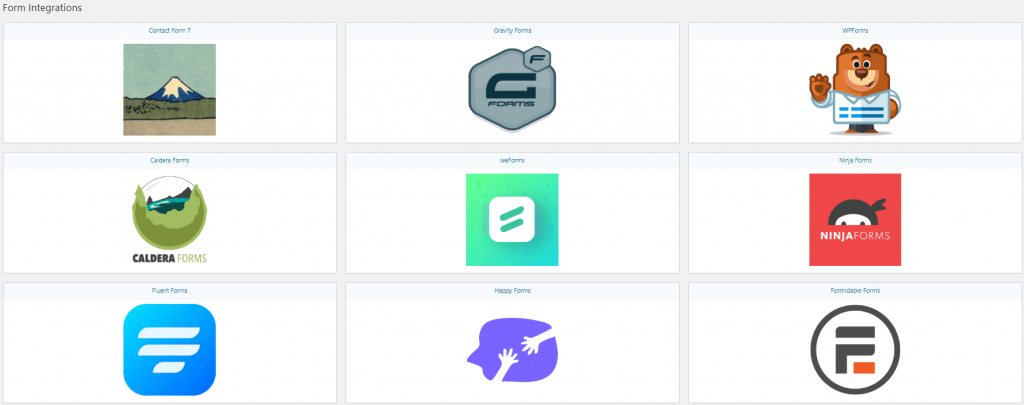
You will find that the form you have created is already there. Just toggle on or off if you want to use it.
That’s it. If you go to weMail>Forms, you will find this form to use.