
To connect your social media profiles, go to weMail – Settings – Social Networks.
Adding your social links helps increase engagement by allowing subscribers to connect with you on different platforms.
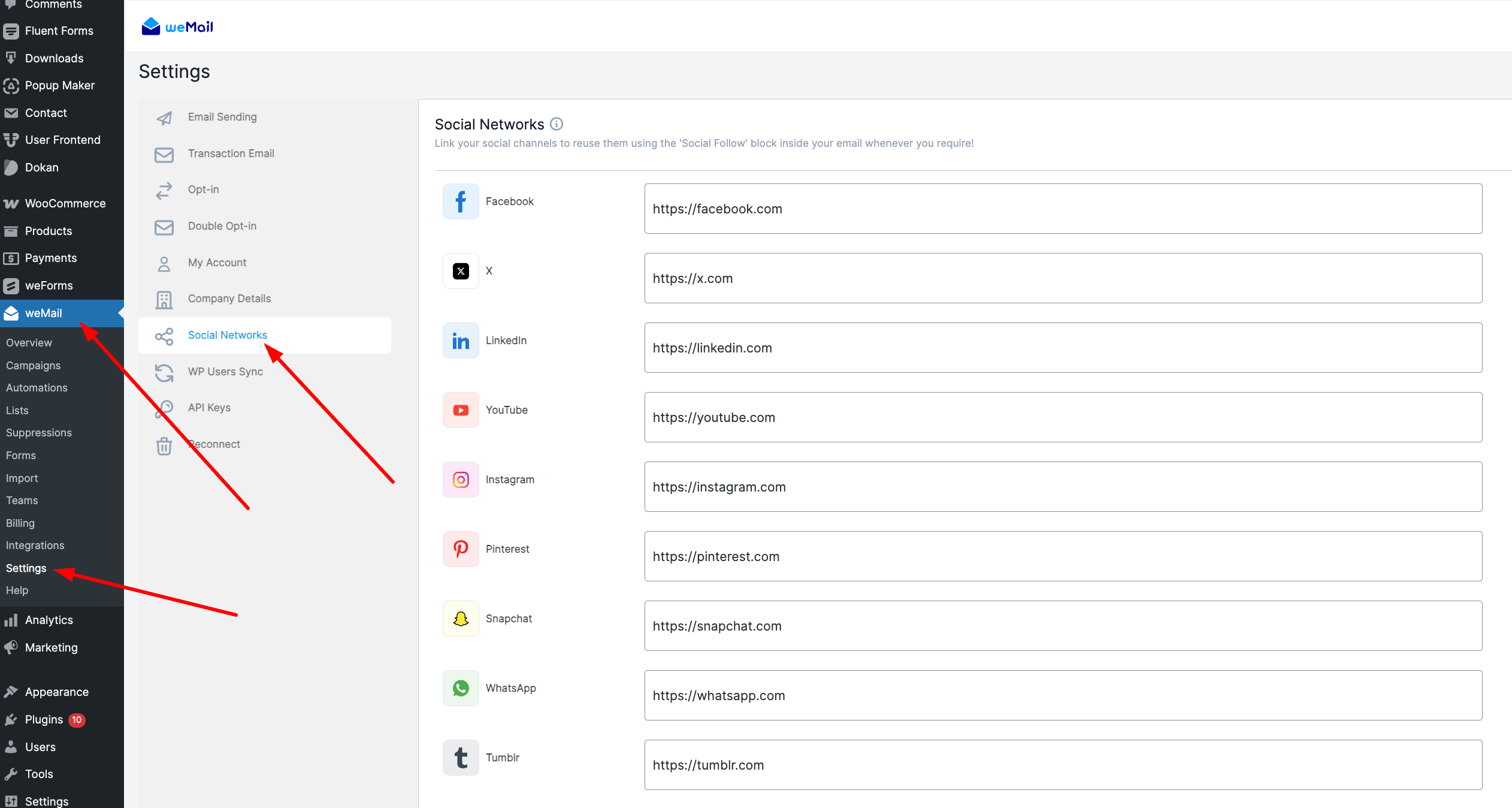
Add Your Social Media Links
You can add links for the following social networks:
- Google+
- YouTube
- Snapchat
- Tumblr
- Flickr
- Viber
Each of these fields accepts your full profile or page URL.
After saving, your subscribers will be able to find and follow your brand directly from your emails.