
With weMail, you can import your subscribers from a CSV. With a few easy steps, you can easily complete that task.
How to Import
Go to weMail→import. You will be able to see the email campaigning tools weMail is integrated with.
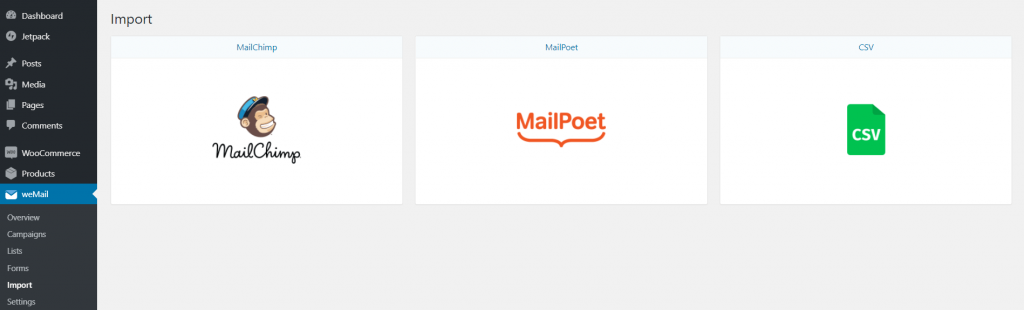
Now, click on Upload CSV, to upload your CSV file.
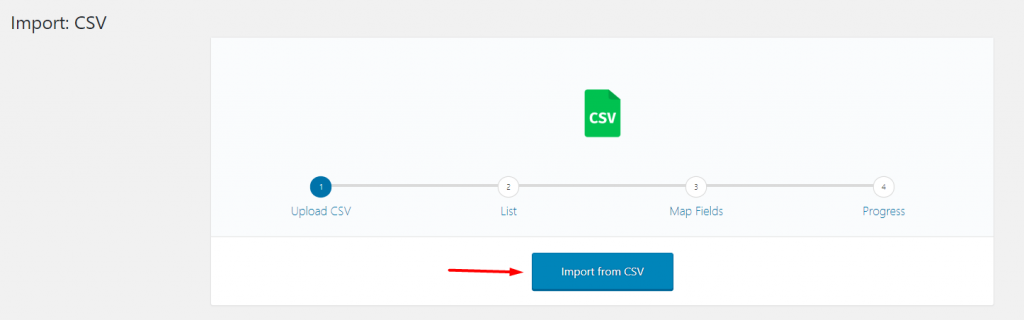
You can also drag and drop your CSV File.

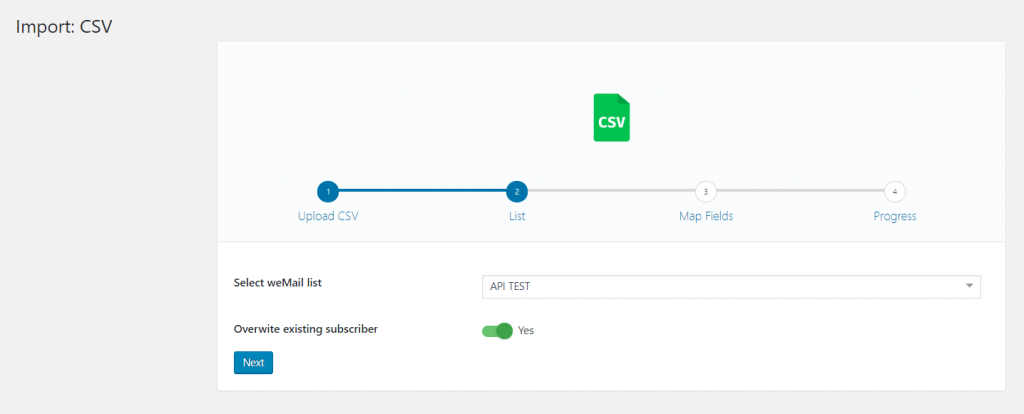
Select your weMail list you want to store your subscribers in. Hit Next.
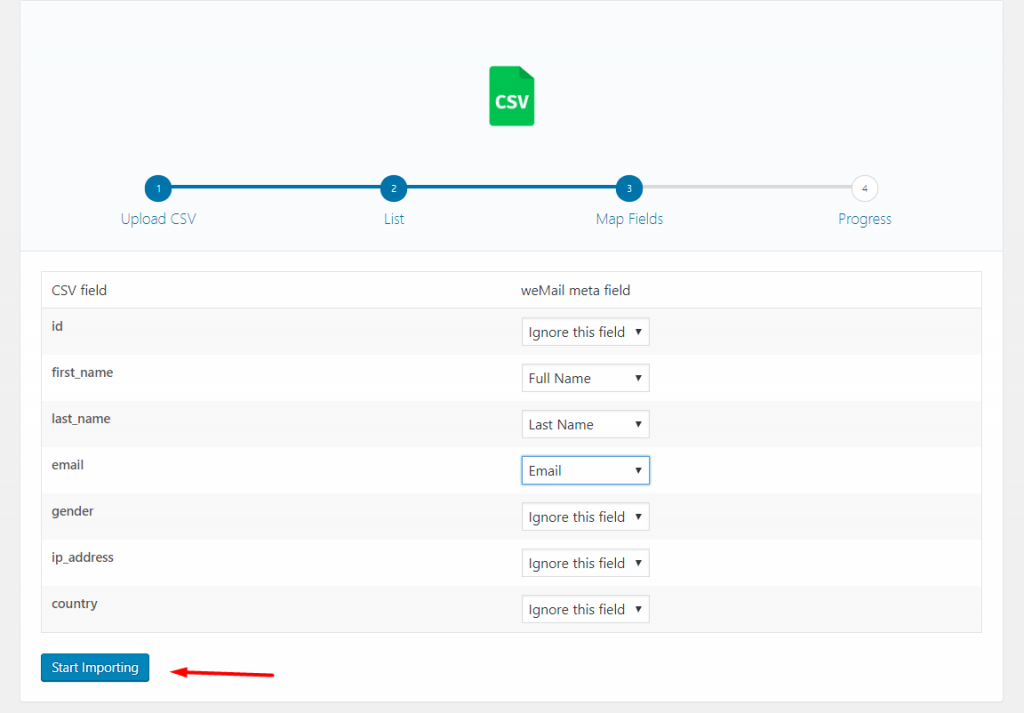
Now, select your weMail meta fields from the Map Fields section. Click the Start Importing button to finish.
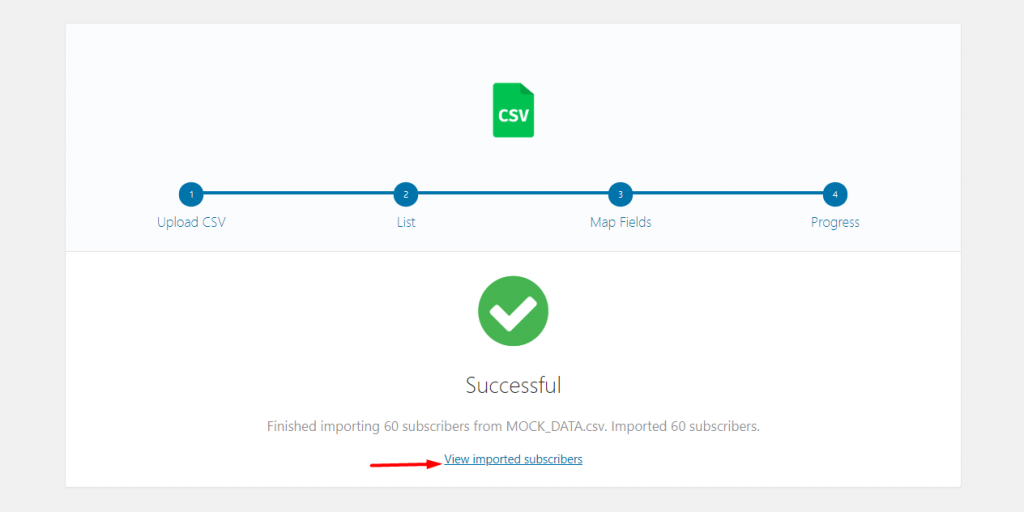
Your file will be successfully imported. Click on View subscribers list to see your result.
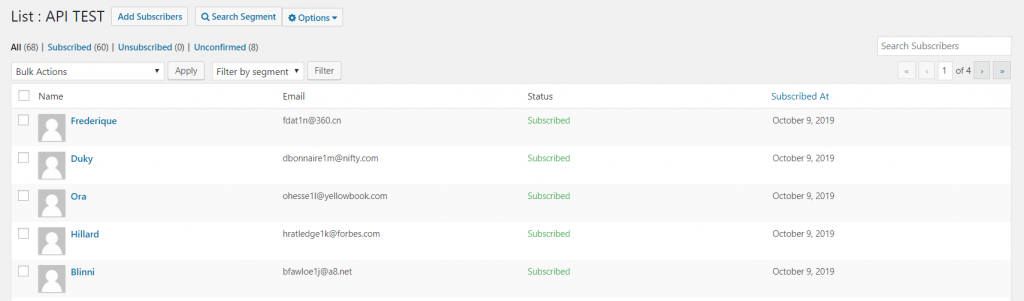
You can see that the subscribers are stored under the selected list.
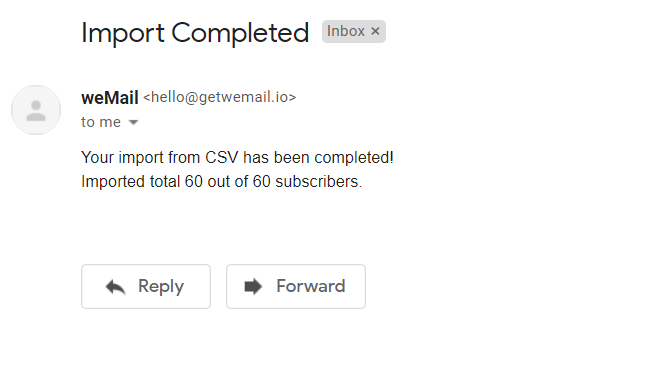
weMail will also send you an email after successfully completing the import.
That’s it!